Logan
Since 1974, Logan has been a leader in mat cutting equipment and accessories. Innovative in design, high in quality and affordability the Logan range are perfect for all usage from light to heavy-duty. You can trust Logan products with your precious prints to deliver perfect results every time. With easy to follow video's on all the mount cutters you can achieve professional results with the minimum of fuss.
Logan mount cutter — your questions answered
Whether you're cutting your first mount or looking to upgrade your setup, here are the answers to the questions we hear most often.
Which Logan mount cutter is right for me?
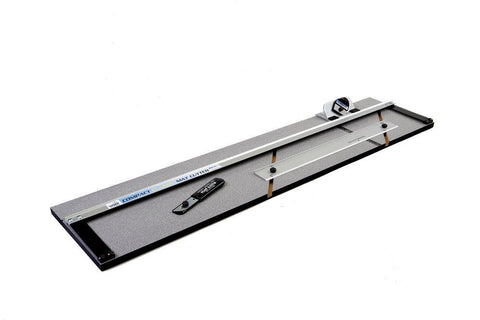
It depends on how often you cut and what you need to cut. If you're an occasional crafter or home framer, the Logan 301-1 Compact Classic or 350-1 Compact Elite are excellent starting points — portable, affordable, and capable of professional results. For working artists or photographers cutting regularly, the 450-1 Artist Elite offers a larger 40" capacity. If you're part of a studio or framing workshop, the 424-1 Team System Plus gives you everything you need in one kit. Not sure? Call or email our team — as an authorised Logan stockist we're happy to advise.
What's the difference between a push style and pull style cutter?
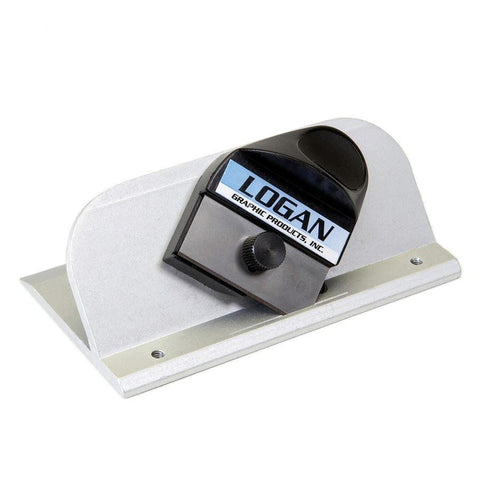
Push style cutters (like the Logan 2000) move the blade away from you as you cut. Pull style cutters (like the Logan 4000 Deluxe) draw the blade toward you. Many users find the pull style easier to control and more comfortable for longer cuts, but both produce identical quality bevels. It comes down to personal preference — and a little practice.
Do all Logan cutters produce the same quality bevel?
Yes. The more you spend on a Logan machine, the faster, more comfortable, and more durable it will be — but all models cut the same clean 45° bevel. You don't need the most expensive machine to achieve professional-looking mounts.
Can I cut mount board larger than my machine's capacity?
Yes — Logan's board-mounted cutters are designed as open-end machines. For example, the 301-1 has a 32" (81cm) baseboard but can cut a standard 32" x 40" sheet by sliding the board through the machine as you work. You're not limited to the baseboard length for the length of your cuts.
How often should I change my blades?
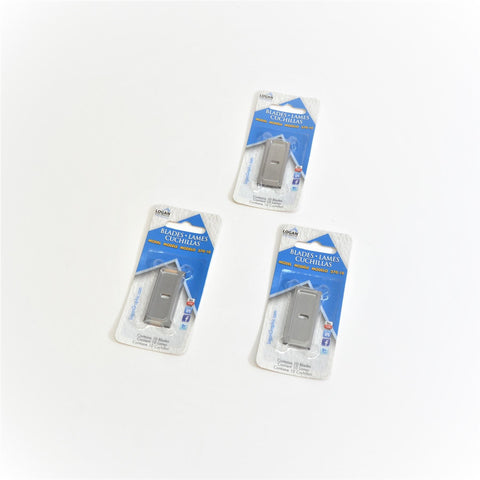
Change blades more often than you think you need to — a dull blade is the most common cause of poor cuts. As a general guide, a single blade will cut around 6–10 openings in a standard 4-ply mount board before needing to be replaced. Most Logan blades are reversible, so you can flip them to use the other end before discarding. When starting a new project, always begin with a fresh blade. We stock Logan 270-10 replacement blades in packs of 10.
Can I use a Logan cutter left-handed?
Yes. Left-handed users can operate Logan equipment by working from the opposite end of the machine — pulling instead of pushing, or vice versa. Logan's own learning centre has a dedicated video with tips for left-handed cutting.
Do you offer advice on which cutter to buy?
Absolutely — it's one of the things that sets us apart as a family business. As an authorised Logan stockist, our team has hands-on experience with the full range. Get in touch and we'll point you in the right direction.
Getting great results from your Logan cutter
These quick guides cover the issues new users encounter most. Each Logan model also has its own step-by-step video — links are on each product page.
How to set the correct blade depth
Getting blade depth right is the single most important step for clean cuts.
- Hold the bevel cutter upside down with the blade activated and look at the blade tip from the side.
- For standard 4-ply mount board, only about 3mm (1/8") of blade should be visible. Use a small ruler to check.
- Find the adjustment screw on the underside of the cutting head. Turn clockwise to decrease depth, anticlockwise to increase.
- Test on a scrap piece — the blade should cut cleanly through the board and only lightly score the slip sheet beneath, not cut through it.
Tip: too much blade depth is the most common cause of overcuts and hooked corners.
How to avoid overcuts in the corners
- Check your blade depth first — too much blade is the most likely culprit.
- Make sure you're cutting line to line precisely, starting and stopping exactly on your marked lines.
- Replace a dull blade — a worn blade drags and can cause the head to overrun.
- Check that your slip sheet is in good condition and positioned correctly under the board.
Note: small overcuts on the back of the board are normal — only the front face matters.
How to get a clean bevel (and avoid a reverse bevel)
- Always cut from the back of the mount board — colour side face down. This is the correct orientation for all Logan board-mounted cutters.
- The bulk of the board must be to the right of your straight edge as you cut — the cutting head should travel along the inside of your border lines, not the outside.
- Apply firm, consistent downward pressure on the cutting head throughout the full length of each cut.
How to calculate your mount border widths
- Measure your artwork (not the frame). Decide on a border width — typically 50–75mm for standard prints, or slightly wider at the bottom for a weighted look.
- Cut your opening slightly smaller than the artwork (by about 3–4mm all round) so the artwork cannot slip through the aperture.
- Mark your border lines on the back of the board using the mat guide, then cut each side in turn, rotating the board 90° between cuts.
Tip: Logan's free online border calculator does the maths for you — the link is available on each product page.

Showing 1 - 10 of 10 items



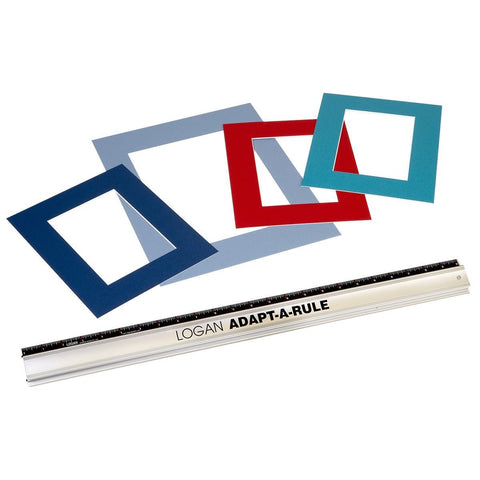
Logan Adapt-a-Rule Systems
On Sale from £51.95 (inc VAT)
Save up to 21%